


Revised in 2024 to reflect current Windows 10 tools and updates.
Losing your laptop or tablet can be a stressful experience. Thankfully, Windows 10 offers a built-in “Find My Device” feature to help you locate your missing device. This guide will walk you through how to enable and use this feature, its limitations, and essential tips for effective tracking.
What is the Windows 10 “Find My Device” Feature?
Introduced in a major Windows 10 update, the “Find My Device” feature allows you to track the location of your laptop or tablet using GPS. It leverages your Microsoft account to provide location information, similar to device tracking apps on Apple and Android devices. While initially supplemented by third-party software like Prey, this feature is now natively integrated into Windows 10.
Important Note: “Find My Device” is disabled by default. You must enable it before your device is lost.
Limitations of Windows 10 Device Tracking
It’s crucial to understand the limitations of this feature:
- Location Tracking Only: Currently, Windows 10’s “Find My Device” primarily provides location information. It does not offer remote locking or data wiping capabilities like iOS and Android.
- Reliance on Microsoft Account: You need an active Microsoft account to use this feature.
- Device Must Be Online: For the most accurate location, the device must be connected to the internet.
How to Enable “Find My Device” on Windows 10
Follow these steps to activate the tracking feature:
- Open Settings: Click the Start Menu and select the gear icon (Settings).
- Navigate to Update & Security: Click on “Update & Security.”
- Find “Find My Device”: Select “Find My Device” from the left-hand menu.
- Enable Tracking: If the feature is off, click “Change” and toggle the switch to “On.”
Key Requirement: To enable this feature, you must sign out of your Microsoft account first.
Tips for Effective Tracking
- Keep Location Services Updated: Ensure your device automatically transmits its location to Microsoft.
- Rename Your Devices: If you have multiple Windows 10 devices, rename them for easy identification.
- Go to Settings > System > About.
- Click “Rename PC.”
- Enter a unique name for your device.
How to Track a Lost Windows 10 Device
If your laptop or tablet goes missing, follow these steps:
- Visit Microsoft Devices: Go to account.microsoft.com/devices in a web browser.
- Sign In: Log in with the Microsoft account you used to enable “Find My Device.”
- Select Your Device: Choose the missing device from the list.
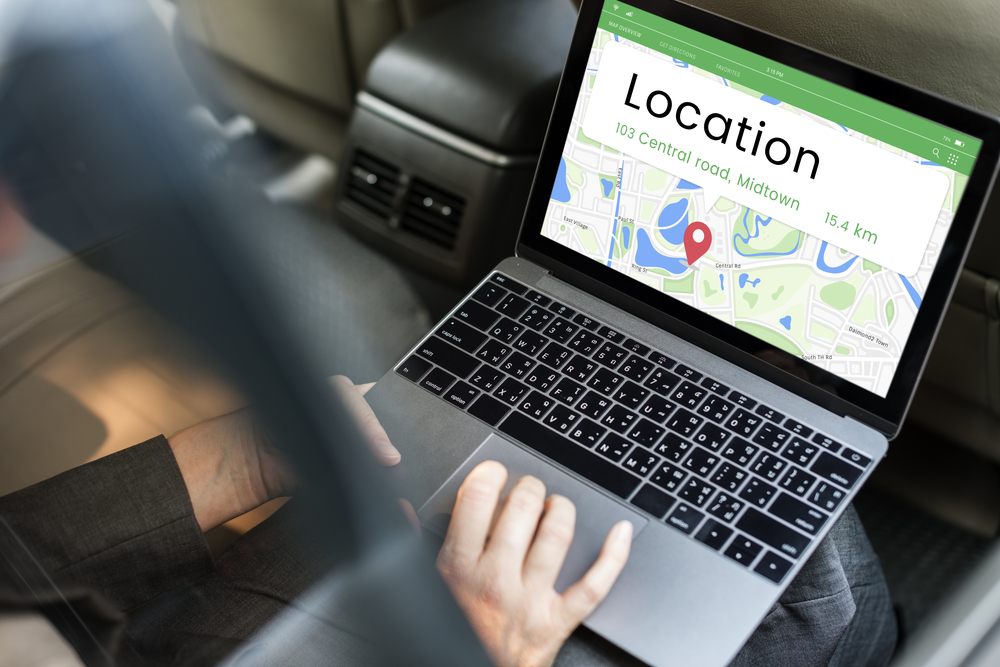
- View Location: The page will display the device’s last known location, including the time and city, with a map link.
Future Enhancements
Microsoft is expected to enhance the “Find My Device” feature in future updates, potentially adding remote locking and wiping capabilities to better compete with Apple and Android’s device tracking solutions.
Conclusion
The “Find My Device” feature in Windows 10 is valuable for locating lost laptops and tablets. While it has limitations, it provides essential location information that can aid in computer recovery. By following these steps and tips, you can increase your chances of finding your missing device.