


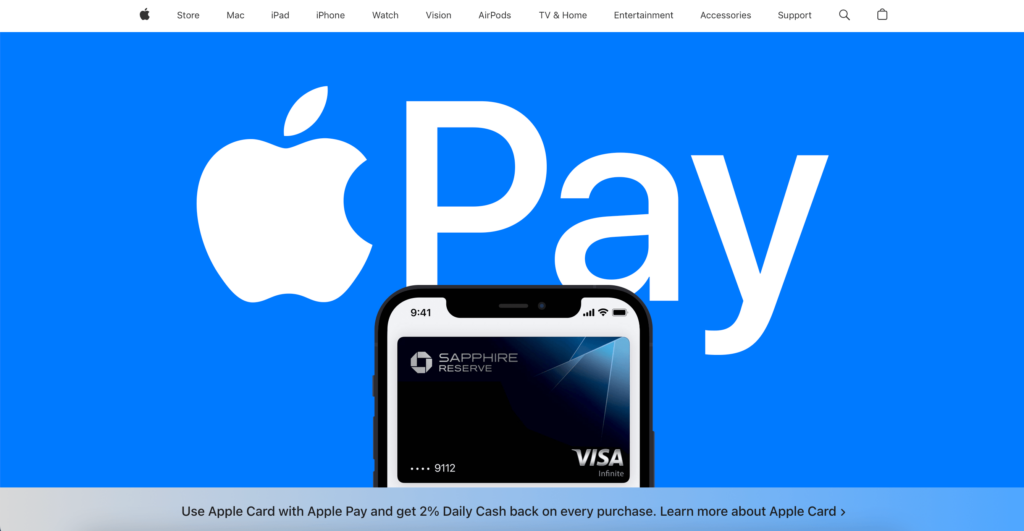
If you recently visited one of those stores that sell iPhone devices and other Apple accessories like the Apple Watch, you have probably been wondering whether Apple Pay is also a service that you should take advantage of with your new gadgets. Launched around the same time that the Apple Watch, iPhone 6, and iPhone 6 Plus debuted, Apple Pay has sparked a new interest in using smartphones as a means of payment.


What’s Apple Pay?
Apple Pay is a mobile payment service that stores debit and credit card information on a secure portal. This information can then be used to pay for any purchases made online and in-store through near-field communications (NFC). As far as online payments are concerned, the system can be used not only through the iPhone 6 and iPhone 6 Plus but also through the iPad Air 2 and the iPad Mini 3. For in-store purchases, however, only the iPhone 6 and iPhone 6 Plus can be used.
Apple Pay can be found within your Passbook, which was originally installed as the default app on your iPhone to hold coupons, gift cards, digital plane tickets, movie tickets, and similar products.
How to Use Apple Pay
How easy is it to use the app? You just have to take a picture of your card using your iPhone camera, and Apple Pay will be able to read the number and name on the card. You would have to manually enter the card’s expiry date and security code, but you only have to do it the first time you link the card to the gadget.
You would also have to add your billing and shipping addresses, phone number, and email address. You may also be sent an activation code, which you will type into Apple Pay, but this will also be a one-time thing.
Yes, it is possible to store multiple cards in your Apple Pay. Although you should choose one that would be considered the default choice, you still have the liberty to select which card you’ll be using before paying for anything.
Other Useful Tips
So, are you ready to use your Apple Pay now? Take note of these tips first so that you can make the most out of your shopping experience:
- Even if your iPhone is in Sleep mode, it will automatically wake up when Apple Pay detects a POS nearby.
- To complete transactions, your phone needs only to use the Touch ID system with the finger you used to activate it, and you should be good to go.
- A receipt is often not required if you need to return an item purchased with Apple Pay.
- Apple does not charge consumers and merchants to use the service.
Now that you have everything you need, what are you waiting for? Start shopping with Apple Pay now.
Image Source:
http://blogs-images.forbes.com/petercohan/files/2014/10/apple-pay-e1414504064841-1940×1090.jpg