

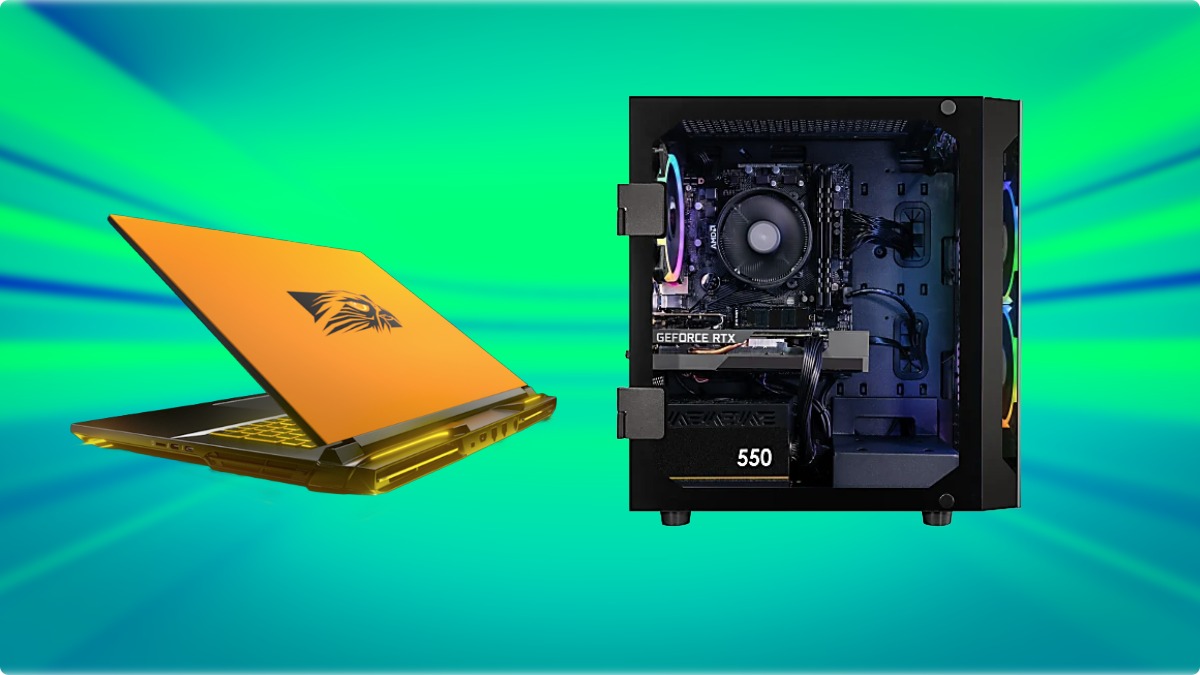


If you crave desktop-class performance in a portable form, the DRX gaming computer sits in that rare “desktop-replacement” tier where nothing is watered down. It’s the kind of machine built for enthusiasts who run max settings, creators who render on the road, and competitive players who refuse to leave frames on the table. This review breaks down what makes the DRX format special, who it’s for, and how it stacks up against other heavy hitters—plus tips on configs, cooling, and value.
What the DRX gaming computer is—and isn’t
A DRX gaming computer isn’t a thin-and-light laptop with a fast GPU slapped in. It’s a purpose-built, big-chassis mobile rig designed to replicate a tower PC’s feel and performance.
- Design intent: Maximum thermal headroom, wattage, and component flexibility to minimize compromises versus a full desktop.
- Target user: Power gamers, creative pros, and anyone replacing a desktop while needing mobility between rooms, offices, or events.
- Trade-offs: Heavier weight, larger power brick, and shorter battery life when gaming. In return, you get desktop-like speeds and sustained performance.
If portability is your top priority, a 14–16-inch performance notebook might be smarter. But if your priority is raw power on a laptop, the DRX class is where you look first.
Performance, display, and thermals
The DRX gaming computer typically combines a top-tier mobile CPU with an enthusiast-class GPU running at high power limits. The larger chassis enables better cooling and more consistent clocks—crucial for long play sessions, exports, or compiles.
- CPU/GPU: Expect flagship mobile CPUs and high-wattage GPUs with generous VRAM for modern engines, texture packs, and AI-enhanced features.
- Memory and storage: Configurations frequently include high-capacity DDR5 memory and multiple M.2 NVMe slots, often with options for PCIe Gen4/Gen5 speeds.
- Display: DRX-class panels commonly span 17–18 inches with high refresh rates. Look for QHD+ or 4K-class resolutions, 100% wide color coverage, and adaptive sync to reduce tearing.
- Thermals and acoustics: Bigger heatpipes, vapor chambers, and dual-fan designs maintain boost clocks more reliably than thinner laptops. Fans will be audible under load, but the larger volume usually means less pitchy noise.
The result? Sustained performance that doesn’t crater after 10–15 minutes, smoother frametimes, and better responsiveness in CPU-bound scenarios like strategy games or high-FPS shooters.
Build quality, I/O, and upgradability
The DRX gaming computer ethos also shows up in materials and serviceability.
- Chassis: Rigid frames, reinforced lids, and premium finishes to handle frequent travel between home and office or tournaments.
- I/O: Expect multiple high-bandwidth ports (USB-C, high-speed USB-A), HDMI/DisplayPort over USB-C or native, Ethernet, and fast wireless. Power delivery is typically handled by a robust brick to feed the hungry GPU.
- Upgrades: Many DRX systems allow RAM and storage upgrades. Some even offer four M.2 slots for massive on-board libraries and scratch disks. Access panels and standard screws make maintenance simpler.
This emphasis on longevity and serviceability is a big reason DRX-class laptops remain relevant for years with incremental upgrades.
Configurations and buying advice

Choosing the right DRX gaming computer configuration depends on your use case.
- 1440p competitive play:
- CPU: High-frequency flagship mobile CPU
- GPU: Enthusiast-tier with strong ray tracing and high power limits
- Memory: 32–64GB DDR5 for gaming plus streaming
- Storage: 1–2TB NVMe for OS and live titles, a second 2TB+ for the library
- 4K single-player cinematic:
- CPU: Flagship mobile CPU (efficiency helps fans stay saner)
- GPU: Top-bin GPU; prioritize VRAM for heavy texture packs
- Memory: 64GB DDR5 to future-proof
- Storage: 2–4TB NVMe total, with at least one fast drive for new releases
- Creator-gamer hybrid:
- CPU: Core count matters for encodes and renders
- GPU: High VRAM tier for viewport, AI upscales, denoisers
- Memory: 64–96GB DDR5 if you use After Effects, Blender, or large RAW sets
- Storage: Separate scratch/project drive, keep games on a dedicated volume
💡Pro tip: Put your most demanding online titles on the fastest NVMe and reserve a second drive for captures or project files to avoid contention.
DRX computers vs other contenders
Below are quick comparison charts that spotlight where a DRX gaming computer typically shines compared to other desktop-replacement or performance notebooks. These are generalized class comparisons to help you choose based on priorities.
| Category | DRX gaming computer | Performance 16-inch | Compact 14-inch |
|---|---|---|---|
| Sustained GPU wattage | High (desktop-like) | Medium–High | Medium |
| Thermal headroom | Excellent | Good | Fair |
| Display size/refresh | 17–18”, 165–240Hz | 16”, 120–240Hz | 14”, 120–165Hz |
| Battery life (gaming) | Short | Moderate | Better |
| Weight/portability | Heavy | Medium | Light |
| Use case | Best pick | Why |
|---|---|---|
| 4K story-driven games | DRX gaming computer | Top-end GPU headroom and large 4K panels |
| Esports at very high FPS | DRX or 16-inch performance | High refresh with sustained clocks |
| Frequent travel, LAN parties | 16-inch performance | Balance of power and portability |
| Daily commuting | Compact 14-inch | Lightweight with adequate power |
| Creator workloads + gaming | DRX gaming computer | More cores, more VRAM, more storage bays |

While DRX outperforms the majority of comparable computers on the market, models like Alienware 18 Area-51 or Razer Blade 18 pose serious competition even to this highly upgradable PC replacement.
Real-world experience: gaming, creating, and living with the DRX gaming computer
Living with a DRX gaming computer is like owning a compact, movable desktop. You’ll carry the weight, but you’ll love what it does when you plug in.
- Gaming feel:
- Smoothness: High sustained wattage keeps frametimes tight; adaptive sync reduces tearing.
- Consistency: Long raids, extended sessions, and open-world exploration feel stable without thermal sag.
- Audio: Bigger chassis often means better speakers, though many players still prefer a headset for positional accuracy.
- Creation workflows:
- 3D/Video: Faster renders and previews, especially when VRAM-intensive effects are in play.
- Color work: Large gamut panels help; consider calibration if color accuracy is critical.
- Storage flow: Multiple NVMe slots let you segment OS, projects, cache, and libraries.
- Quality-of-life:
- Desk mode: Connect external monitor, mechanical keyboard, and Ethernet for a “dockable desktop” experience.
- Travel mode: Backpack compatibility is fine, but mind the power brick and weight.
- Battery (laptops): Expect short runtimes in games; plan to play plugged in for best results.
Tuning and maintenance tips
You can squeeze more out of a DRX gaming computer with smart tuning.
- Performance modes:
- Balanced: Great for lighter titles and less fan noise.
- Turbo/Max: Use for demanding games; monitor temps and acoustics.
- Undervolting and power caps:
- Goal: Reduce heat/noise without noticeable FPS loss.
- Method: Gentle GPU power-limit tweaks and CPU undervolts can improve comfort.
- Fan curves and dust:
- Custom curves: Tailor noise profiles for your environment.
- Maintenance: Periodically clean intakes and exhaust; consider repasting after extended use.
- Storage hygiene:
- Separate drives: OS, games, and scratch on different SSDs reduce contention.
- Backup: Keep cloud or external backups for saves and project files.
Who should buy a DRX gaming computer?
Choose a DRX if the following resonate with you:
- You prioritize frames and fidelity over battery life and travel weight.
- You create as well as game, and you’ll use the extra cores, VRAM, and storage.
- You plan to keep the machine for years and upgrade RAM/SSD along the way.
- You want a single do-it-all device that docks like a desktop and travels when needed.
If you need something you can carry daily on a commute or you play mostly lighter titles, a mid-size performance laptop might be a better fit.
Pricing, value, and the long view
DRX-class laptops cost more than mainstream gaming notebooks because they use top-binned parts, more robust cooling, premium panels, and larger batteries. That upfront price can actually be cost-efficient over time if the system replaces a separate desktop and laptop, or if it enables professional work that benefits from fast turnaround. The best value comes from selecting the right GPU tier for your resolution today while leaving room to upgrade RAM and storage as your needs grow.
Final thoughts and trade-in recommendation
A DRX gaming computer is the answer when you want desktop strength without being anchored to a desk. It’s unapologetically big and bold, but for the right user, it’s liberating: one machine that games, creates, and travels. If you’re stepping up to a DRX or cycling out an older rig, consider offsetting the cost by trading in your current hardware.
Gadget Salvation offers a convenient way to sell gaming laptops, older desktops, and other gizmos for cash. Our online quotes are instant, shipping is included, and payments are fast—making it painless to turn idle tech into an upgrade budget. To dig deeper into maximizing resale value or timing your sale, check out topics like “sell gaming laptop” or “how to sell electronics online.” When you’re ready to move on from your old gear, Gadget Salvation’s trade-in services can help you make the jump to a DRX gaming computer with less out-of-pocket cost.

Olena is an operations manager at Gadget Salvation, wearing many hats and navigating the intersections of efficiency and innovation. With a deep passion for tech and sustainability, they thrive on exploring solutions that drive progress while protecting our planet.