

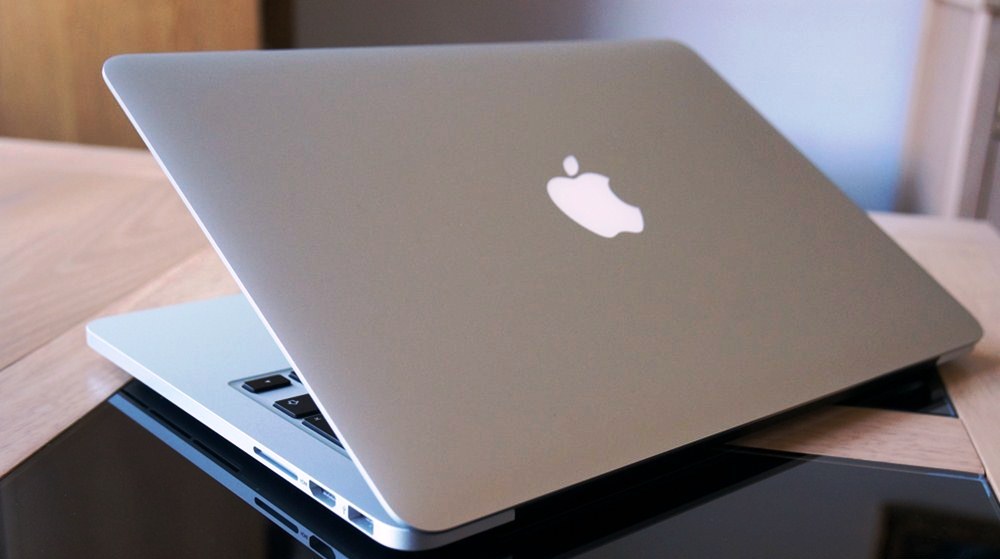


On the surface of the computer
Shut down your computer and turn it over. The serial number is on the right above the regulatory markings as shown below.
Find the model name of your Mac
These and other details can be found in About This Mac and System Information.
You might want the model name or serial number of your Mac when checking warranty coverage, searching for specifications or other information about your model, creating a home inventory, and more. Identifying your Mac model is also important when selling or giving away your Mac or learning whether it’s compatible with the latest operating system or other software or hardware.
Use About This Mac
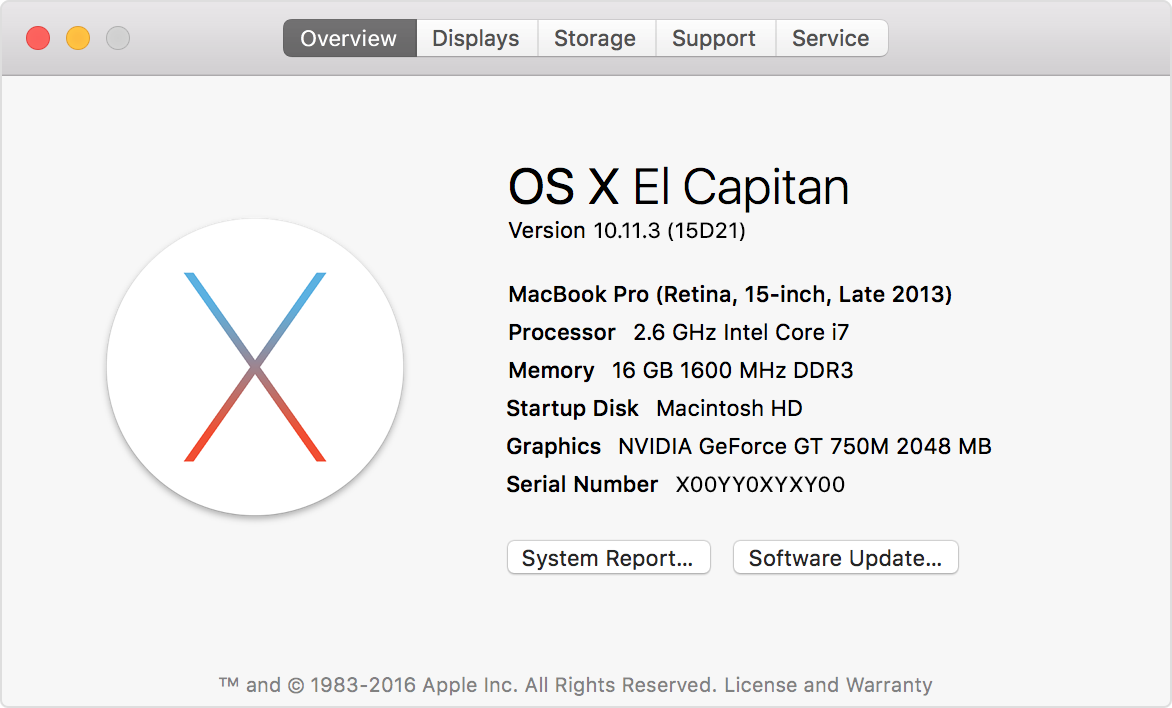
Choose About This Mac from the Apple menu in the upper-left corner of your screen. About This Mac shows an overview of your Mac, including the name and version of its operating system, its model name, and its serial number:
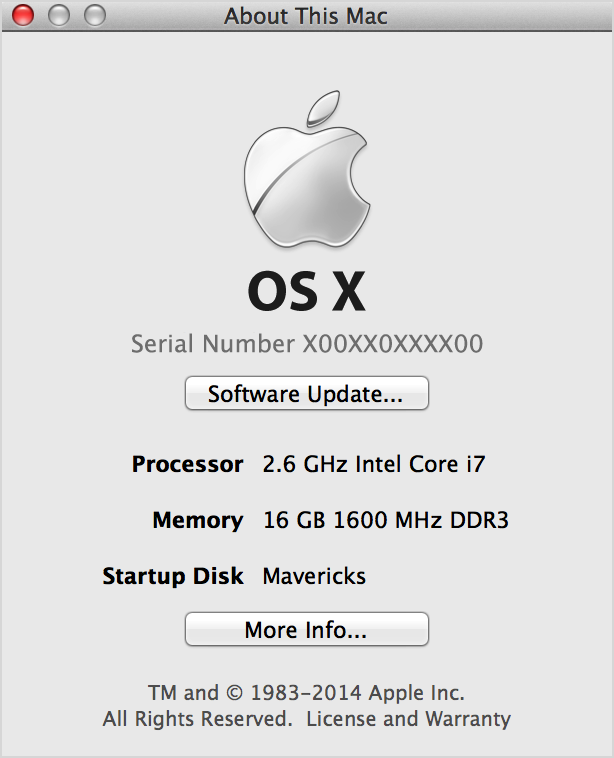
If you see an About This Mac window like the following, double-click the version number beneath OS X to reveal the serial number:
Use System Information
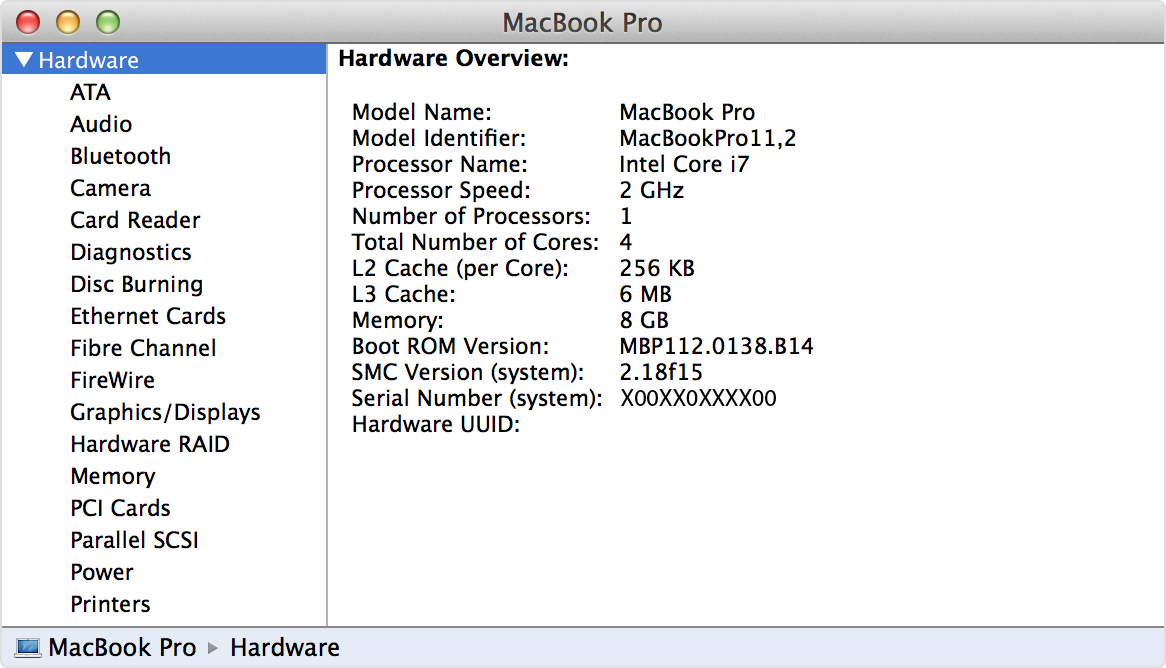
Open the System Information (or System Profiler) app from the Utilities folder of your Applications folder, or click the System Info (or More Info) button in About This Mac. Select Hardware on the left side of the window, then find the model name and serial number on the right:
If you can’t use About This Mac or System Information because your Mac doesn’t finish starting up, look for a serial number or model name on the outside of your Mac, or on its original packaging, receipt, or invoice. If necessary, you may get help from an Apple Store clerk.
In Conclusion
If you are looking to find out a trade in value of your used Apple MacBook, but were unable to identify neither the model or the Serial number, contact us and we at Gadget Salvation will be happy to assist you with any questions you might have.

Cesar is a Product Manager at Gadget Salvation, a leader in the refurbished electronics industry. An avid technology enthusiast, he’s always on top of the latest tech trends and applies that knowledge to drive product innovation.