



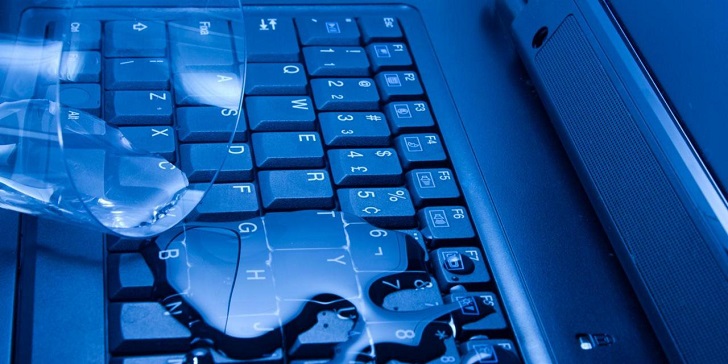
Liquids and electronic devices are always a bad combination. We??re hoping for your own sake that you??re not reading this from a soaking-wet laptop. Accidents do happen though, and in case you did somehow spill water or any liquid on your laptop, you don’t need to go to sites that sell laptops online just yet. There are things you can do to keep your device working even after a spill, and we’ll discuss them in this article.
Unplug the Laptop Immediately and Turn it Off
The very first thing you have to do is turn off your laptop right away and reach for the power cord if your laptop is plugged in. We don’t mean shutting it down the usual way, either: press the power button for a few seconds to do it faster. You run the risk of causing a short circuit and permanently damaging the components inside if you waste the extra seconds it takes to usually shut down your laptop, so do it as fast as you can. Don??t panic but be swift.
Remove the Battery and Everything Else Plugged In
Depending on the model of your laptop, try to remove the battery. If there are other devices like a mouse, flash drives, or anything that can be detached quickly, remove them too. Now that you’re safe, you can start the clean-up process.
Turn Your Laptop Upside Down to Drain Excess Liquids
You can go ahead and wipe off the liquid from the surface. After that, open your laptop as wide as you can and turn it upside down. Place it on top of a dry towel or cloth that will serve as an absorbent and let your laptop drain. Leave it like that for up to 48 hours if possible but if you must use it, at least try to give it a few hours to allow excess liquids to come off. Now some folks say that putting a wet device in a bowl of uncooked rice helps dry it out, but experts don’t recommend that as it might only damage some components and harm the system. Air drying is still the best solution
Bring Your Laptop to the Repair Shop
Doing all of the steps we mentioned increases your chance of saving your laptop, but it’s still not a guarantee. Even if your laptop did work again, it’s best to bring it to the repair shop and have experts check it. They have the tools to clean your laptop more thoroughly and prevent further issues from arising.
Prevention is Better than Cure
Of course, the best thing to do is to avoid spill accidents from happening. Try to refrain from keeping any liquids near your laptop. If you must, at least put a lid on your cup. The steps that we mentioned will work in most cases, but we hope you won’t ever have to find yourself in a position that requires you to do them.

Cesar is a Product Manager at Gadget Salvation, a leader in the refurbished electronics industry. An avid technology enthusiast, he’s always on top of the latest tech trends and applies that knowledge to drive product innovation.