

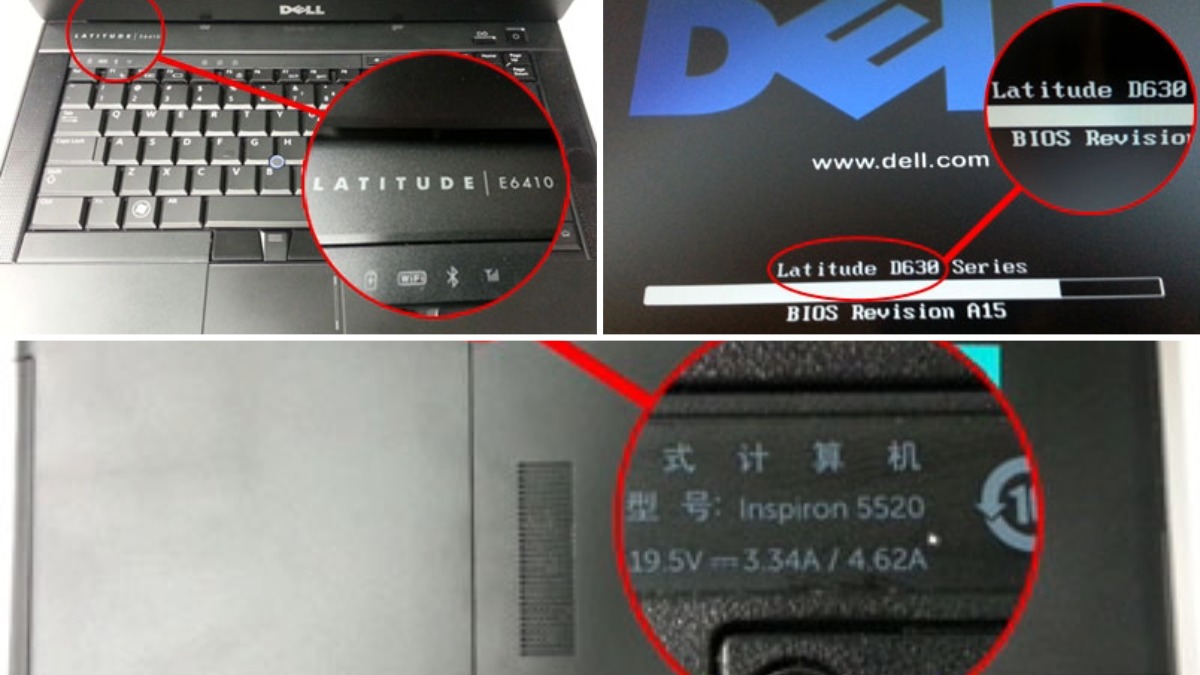


1. Bottom of Laptop
Check the bottom of your laptop (base). The model number (Model No) is not what you are looking for. You need to find the model labeled: Latitude, Inspiron, Precision, Studio, Vostro, or XPS.
2. Dell “Power On” Screen
Most models of Dell laptops display the make and model on your Dell “power on” boot screen. This is the easiest way to find your laptop model.
3. Center Control Cover
Some models of Dell Laptops display the make and model on the center control cover (power button cover) located just above the keyboard. Not all will do this; some will just display the make and not the entire model.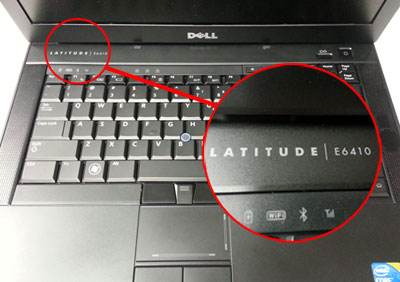

Cesar is a Product Manager at Gadget Salvation, a leader in the refurbished electronics industry. An avid technology enthusiast, he’s always on top of the latest tech trends and applies that knowledge to drive product innovation.