


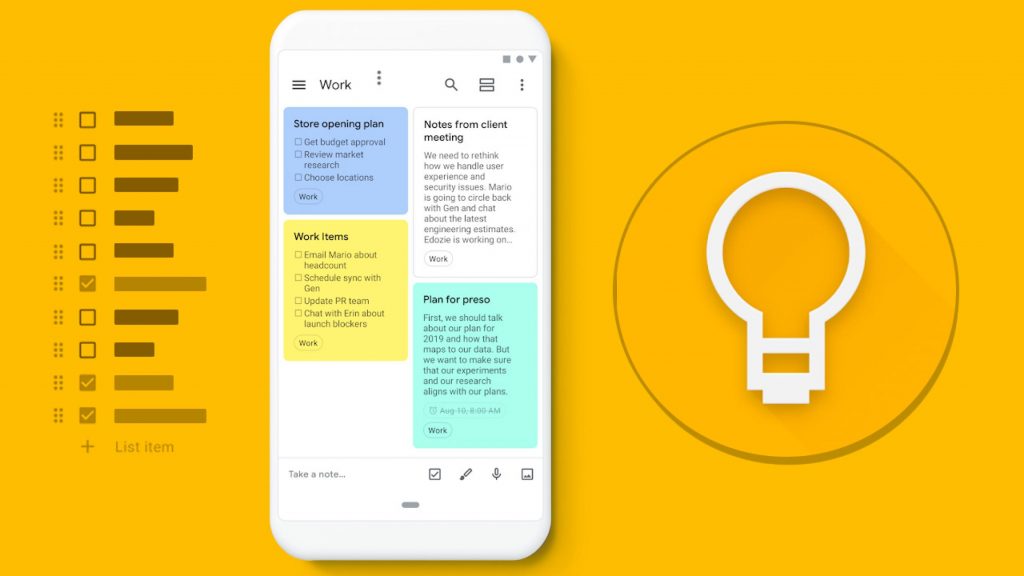
As a new year begins, there’s no better time to start fresh and get organized. If you’ve struggled to keep track of your schedule or notes with traditional planners or existing planning apps, it’s time to explore a better solution. Enter Google Keep—a versatile and intuitive app for organizing your notes, schedule, and more. While it may not be as widely known as Google’s Gmail or Google Drive, this powerful tool can transform productivity.
In this article, we’ll explore the top reasons to use Google Keep and how it can simplify your life.
1. Google Keep Works Across All Devices
One of its standout features is cross-platform compatibility. Unlike other notetaking apps that may only work on certain types of gadgets, Google Keep works seamlessly across Android, iOS, and desktop PCs. Yes, you don’t have to sell your iPhone to buy a Windows-based laptop or switch between devices to access your notes.
Moreover, Keep integrates effortlessly with the wider Google ecosystem, making it easy to sync your notes with Gmail, Google Drive, and more. Whether switching between devices or platforms, your data is always at your fingertips.
2. Simplified Collaboration
Collaboration has never been easier with Google Keep. Thanks to its deep integration with the Google Workspace, you can share notes and documents with others in just a few clicks. Forget the hassle of complicated sharing processes—add your collaborator’s email address, and you’re good to go.
Collaborators can edit and make revisions in real time, and as the document owner, you have the flexibility to revoke access whenever needed. Whether working on a project with teammates or sharing a shopping list with family, Google Keep makes collaboration smooth and straightforward.
3. Google Keep Can Transcribe Images and Audio Into Text
The app takes notes to the next level with its ability to convert audio and images into text:
- Audio Notes: Record your thoughts on the go, and Google Keep will automatically transcribe them into searchable text.
- Image-to-Text: Snap a photo of handwritten notes or printed documents, and the app’s “Grab Text” feature will extract the text for you to edit, search, or save.
These features save time and ensure you never lose important information, even when pressed for time.
4. Smart Reminders and Alarms
Keep isn’t just a notetaking app—it’s a productivity powerhouse. You can create reminders for specific notes and set alarms that notify you at designated times or even at specific locations.
The app also offers a home screen widget for quick access, allowing you to glance at your notes without opening the whole app. This convenience makes Google Keep an ideal companion for busy individuals.
5. Intuitive and Easy-to-Use Interface
Google Keep stands out for its simple yet functional interface. Designed with user-friendliness in mind, the app ensures that even first-time users can navigate it effortlessly. The combination of minimal design and advanced functionality makes organizing your life feel like second nature.
Why Choose Google Keep?
With its wide range of features, Google Keep helps you manage your notes, collaborate with others, and stay on top of your schedule—all while syncing seamlessly across devices. Whether planning a project, organizing your daily life, or brainstorming new ideas, the app has everything you need to start the year on the right foot. The best part is that it is entirely free to use.
So why wait? Unlock your productivity potential today with Google Keep and take control of your life.