


Most of us have been in this all-too familiar predicament: you buy a new iPhone and get excited about what it could offer with just a touch of a finger. But then, what about your old iPhone? Maybe you’re looking for some extra cash, or do your fair share for the Earth by keeping your devices out of the landfill. There are many reasons why you might want to sell your iPhone. There are also many platforms to sell it to.
With September and October as important dates for Apple launches, now might be the best time to sell iPhones. If you’re looking to make the most out of selling your iPhone unit regardless of its condition, here are some options that you might want to look at.
Selling Your Old iPhone: Marketplaces to Check Out
- Amazon Trade-In. If you’re a regular on Amazon, you might consider selling your old iPhone here. You can earn an Amazon gift card if you’ve had a successful trade-in. Amazon has a set of questions to help you determine your phone’s trade-in value.
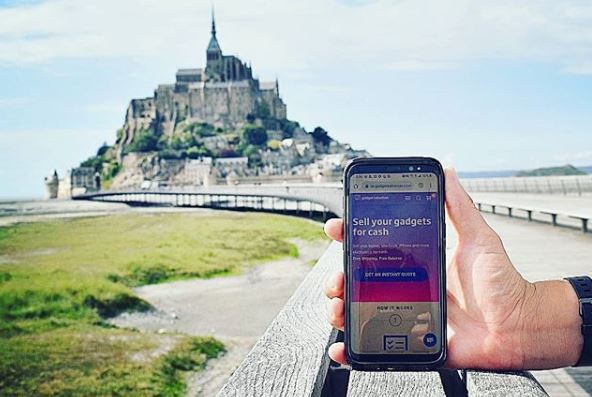
- Gadget Salvation With a 9.6 score on Trustpilot, BuyBack Boss consistently has top ratings on many review sites. It offers you the guarantee that you will get the highest price for your device and gives you a 14-day Price Lock Guarantee.
- Gazelle. Providing you with hassle-free
services, Gazelle gives you three payment options: check, Amazon gift card, or
via PayPal. If your iPhone is in a better condition compared to the initial
assessment, Gazelle will give you a higher offer compared to the original
quote.
- Swappa. Swappa lets you sell your iPhone directly to another
user, thus allowing you to have a higher actual selling price. Pricing data are
based on the units that have recently been sold and you get paid as soon as
your listing sells.
- uSell. You
might think that a broken iPhone won’t get you anything. If you have an iPhone
that has issues regarding its functionality, you’ll be surprised to find out
that uSell offers competitive prices for broken phones.
What to Do Before Selling
Before selling your old iPhone, make sure that your data and other personal information are safe by doing these steps:
- Back up all of your data. Make sure that all of your
important data are stored on a storage device or a cloud storage service. - Turn off the “Find My iPhone” feature. Doing this will allow the next user
to use or reset this important feature. - Delete all your data. Sign out from all of your apps and
delete everything from your iPhone. You can also restore it to its factory
settings just to be sure. - Remove your SIM card. Keep your existing number and service
for your new phone by removing your SIM card from your old iPhone.
Don’t just throw away your old iPhone. Use it to make some extra cash. There are many options available that give you fast, easy, and reliable services that are worth checking out.

Cesar is a Product Manager at Gadget Salvation, a leader in the refurbished electronics industry. An avid technology enthusiast, he’s always on top of the latest tech trends and applies that knowledge to drive product innovation.