How to Find Your Laptop Model Number
Identifying your computer’s model number is essential for obtaining accurate information about your device, which is crucial for repairs, replacements, and selling. Here are…
In this article
Identifying your computer’s model number is essential for obtaining accurate information about your device, which is crucial for repairs, replacements, and selling. Here are several ways to find your laptop model.
1.Check the Product Label
The model number, which typically includes letters and numbers, is often found on a label located:
- On the bottom of the laptop (flip it over to find)
- On the front bezel trim around the laptop’s display, or right below (usually the case with Lenovo laptops, some HPs, and Panasonic computers)
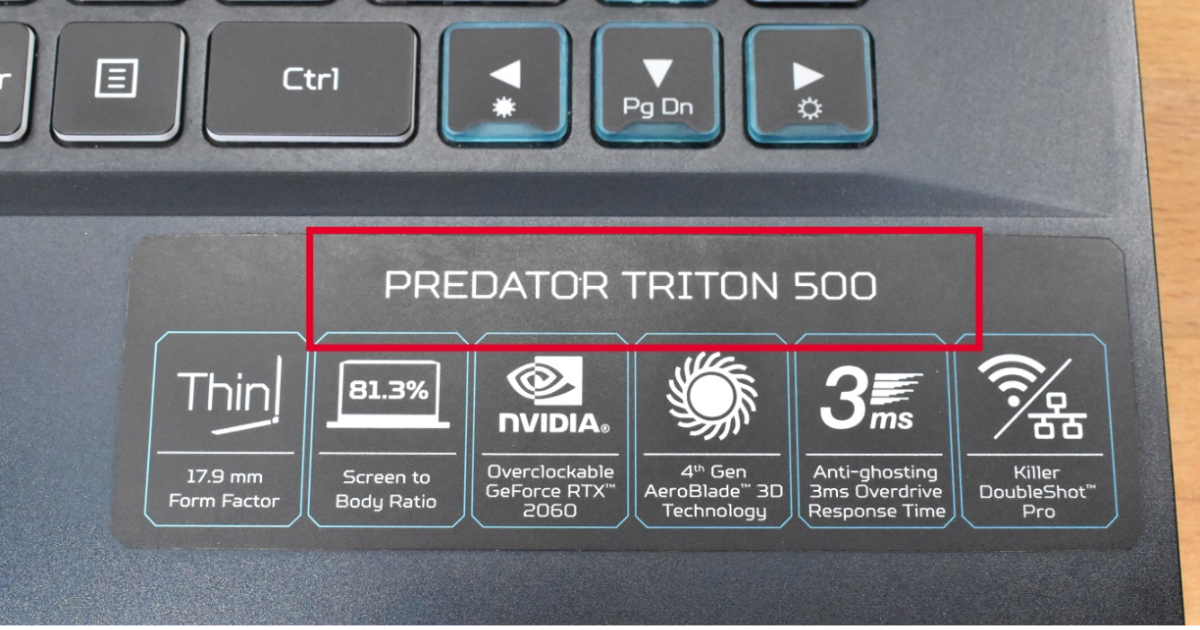
- On the palmrest sticker (Acer, some HPs)
- For older models, sometimes you have to check under the battery.
2. Use System Information (Windows)
For Windows 7, 8.1, and 10, the System Information tool displays your laptop’s model. Here’s how to access it:
- Go to your laptop’s home screen.
- Click “Start” in the lower-left corner (or press the Windows key).
- Select “Run” (or press Windows key + R).
- Type “msinfo32” and press Enter.
- In the “System Information” window, find the “System Model” section.
3. Use Command Prompt (Windows)
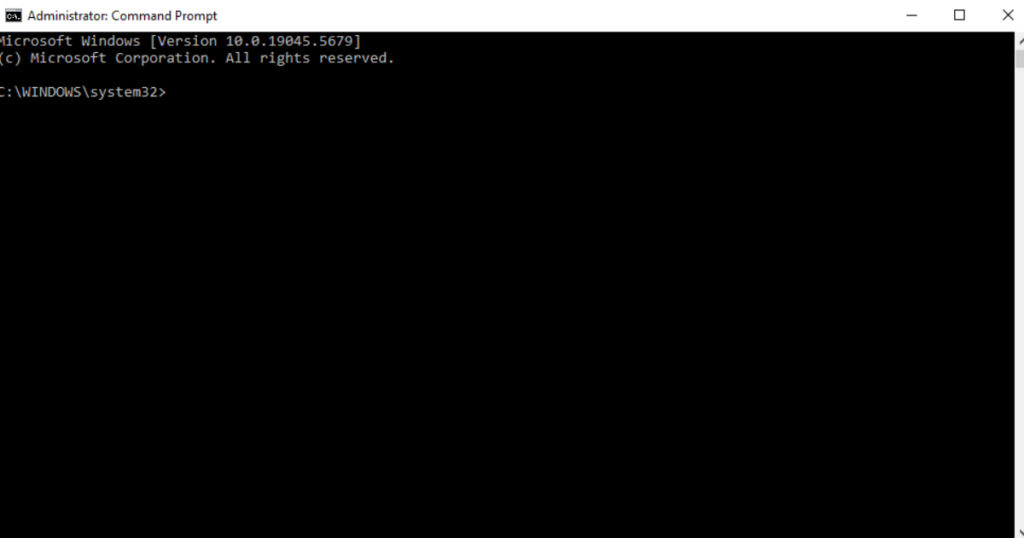
You can also retrieve your laptop’s model number via the Command Prompt.
Follow these steps to utilize it:
- Go to the desktop screen.
- Click “Start” (or press the Windows key).
- Type “cmd” and press Enter to open the Command Prompt.
- Type the following command and press Enter: “wmic csproduct get name”
- The model number will be displayed in the Command Prompt window.
4. Access the BIOS
The BIOS (Basic Input/Output System) provides information about your computer’s hardware, including the model number. To find your laptop model number in BIOS, follow these steps:
- Restart your computer.
- As the computer starts, immediately press the “F2”, “Esc”, or “Del” key (the specific key may vary depending on the manufacturer) to enter the BIOS menu.
- Once in the BIOS menu, navigate to the system information section. The model number and serial number should be listed there.
If you don’t access the BIOS menu, restart the computer and repeat these steps.
Need More Help?
We hope this information helps you locate your laptop model number. And in the event you have lost your notebook, our article on how to track a lost Windows 10 PC can assist you in recovering it. Lastly, we hope these simple tips will come in handy when you decide to upgrade. To sell your laptop, you need to know its model at a minimum.