5 Tips to Boost Your Wi-Fi Signal
Wi-Fi is arguably the most important innovation in the internet evolution. That being said, it can also be one of the most frustrating. If…
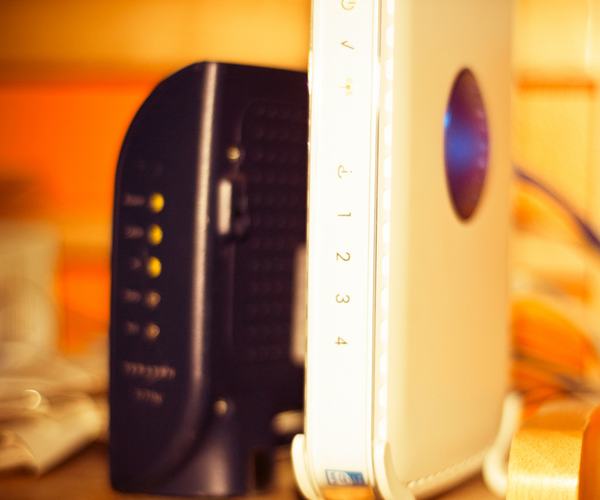
Wi-Fi is arguably the most important innovation in the internet evolution. That being said, it can also be one of the most frustrating. If you’re tormented by sluggish speeds, poor reception, and other Wi-Fi troubles, here are some tips so you can boost your Wi-Fi at home.
Let the router out.
Many people hide their routers either because they’re unattractive, or are in the way of the furniture. However, putting the router inside a cabinet or concealing it with decorative boxes is a surefire way to slow down your Wi-Fi connection. Walls, closets, and doors can weaken the Wi-Fi signal.
Instead, find a central area in your home and place the router on a desk, bookshelf or table. Also, some routers are made to send out the signal in a slightly downward position. To counter this, keep the router higher off the floor to evenly send out the Wi-Fi signal throughout the space.
Look for the right Wi-Fi channel.
If you have neighbors with routers as well, their connection can interfere with yours, which could result in your connection slowing down. Wireless routers are enabled to run on different channels. You’d want your connection to be on a channel with little to zero interference as it can be. To look for the right wireless channel, use tools like Network Analyzer Lite or Wi-Fi Analyzer. There are several software and tools available online, so look for the best one that matches your router.
Update the router firmware.
If you have slow Wi-Fi signal, it’s likely that your router needs an update. Router suppliers often tweak their software to boost speed and performance. The level of ease (or difficulty) of upgrading your router firmware will highly depend on the manufacturer and the model of your device. Majority of router manufacturers today has their update procedure incorporated directly into the admin user interface. Thus, it’s only a matter of clicking the firmware upgrade button.
If your router is an old model, it’s likely that you need to download the router firmware from the website of the device’s manufacturer first. This can be tedious, but nonetheless an important task to complete.
The truth is, even if you have a strong Wi-Fi connection, you need to check and update your firmware regularly. When you do, you’ll gain efficiency improvements, advanced features, and security upgrades.
Steer clear of appliances and metal objects.
Home appliances like microwaves and fluorescent lights can have a negative impact on your Wi-Fi signal. To minimize interference, put your router far away from these household appliances. Also, make sure to set the device using a different wireless channel through the online tools aforementioned above. You must also avoid putting your router close to a metal object, which can often soak up signal strength.
Ward off malicious attackers with upgraded security.
Cloaking is a surefire technique of keeping your data-sponging neighbors off your Wi-Fi connection. If you’re tech-savvy, you may also use free network scanners to ward off malicious attackers by hiding your router’s SSID. Another good way of keeping your Wi-Fi secure is using a strong password. You should change your router’s default username and password immediately. It’s also recommended that you enable WPA2 password protection on your network to make your connection more secure.
What other tricks do you use to power up your Wi-Fi at home?